Scan the code. Eat.
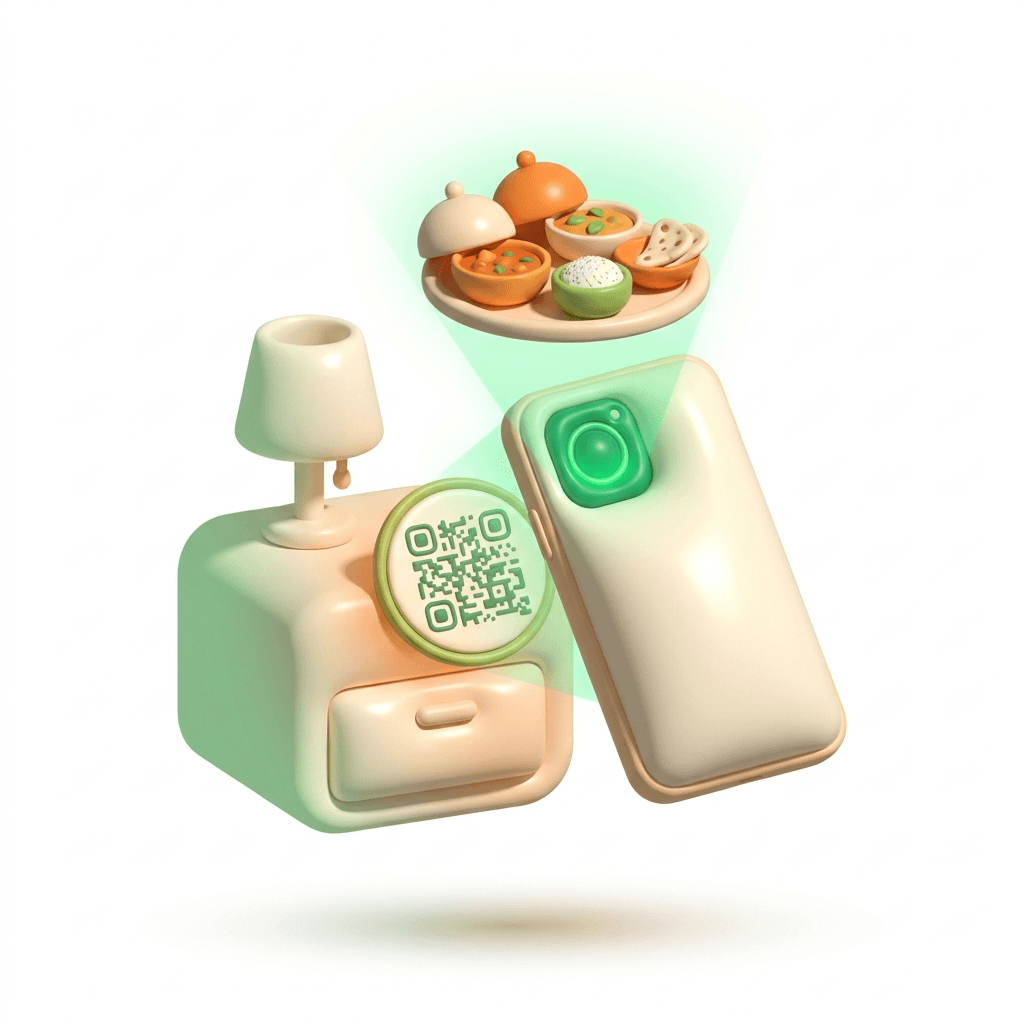
The QR in your room or on your table opens the menu in your browser. No app to install. No account to create. Order in the time it would take to find one in a store.
- No download
- No sign-up wall
- Pay by UPI, card or wallet

Point. That’s the whole setup.
Room 412 · no app, no account
Illustrative product UI
The fastest app is no app
ZOG runs in the browser you already have open. That isn't a shortcut we took — it's the point. Your phone stays exactly as full as it was.
Ordering with an app
Six steps before you see food
- 1Search the store for the right app
- 2Download it over hotel Wi-Fi
- 3Create an account
- 4Wait for the OTP
- 5Allow notifications, allow location
- 6Finally — look at a menu
Ordering with ZOG
Two
- 1Scan the code
- 2Look at a menu
That’s the whole list. The four steps in the other column are the ones you never do again.
Order from a hotel room, a lounge or a table — the code knows where you are, so the food knows where to go.
From code to cutlery
Scan the code
The QR by the bed, on the table or at reception. The menu opens in your browser — no app, no account.
Pick your kitchen
Browse partner restaurants that are open right now. Veg mode, half or full portions, offers applied at checkout.
Pay how you like
UPI, card or wallet. It's settled before the kitchen starts, so there's nothing to sort out at the door.
Watch it come to you
The kitchen cooks, a rider is assigned the moment it's ready, and you follow it to your room or table.
Open it and it’s all already there
Nothing to set up, nothing to unlock. This is the first screen.
The code on the table is the whole login.
Flip it on and non-veg disappears from the menu.
Order the portion you'll actually finish.
Coupons apply at checkout, before you pay.
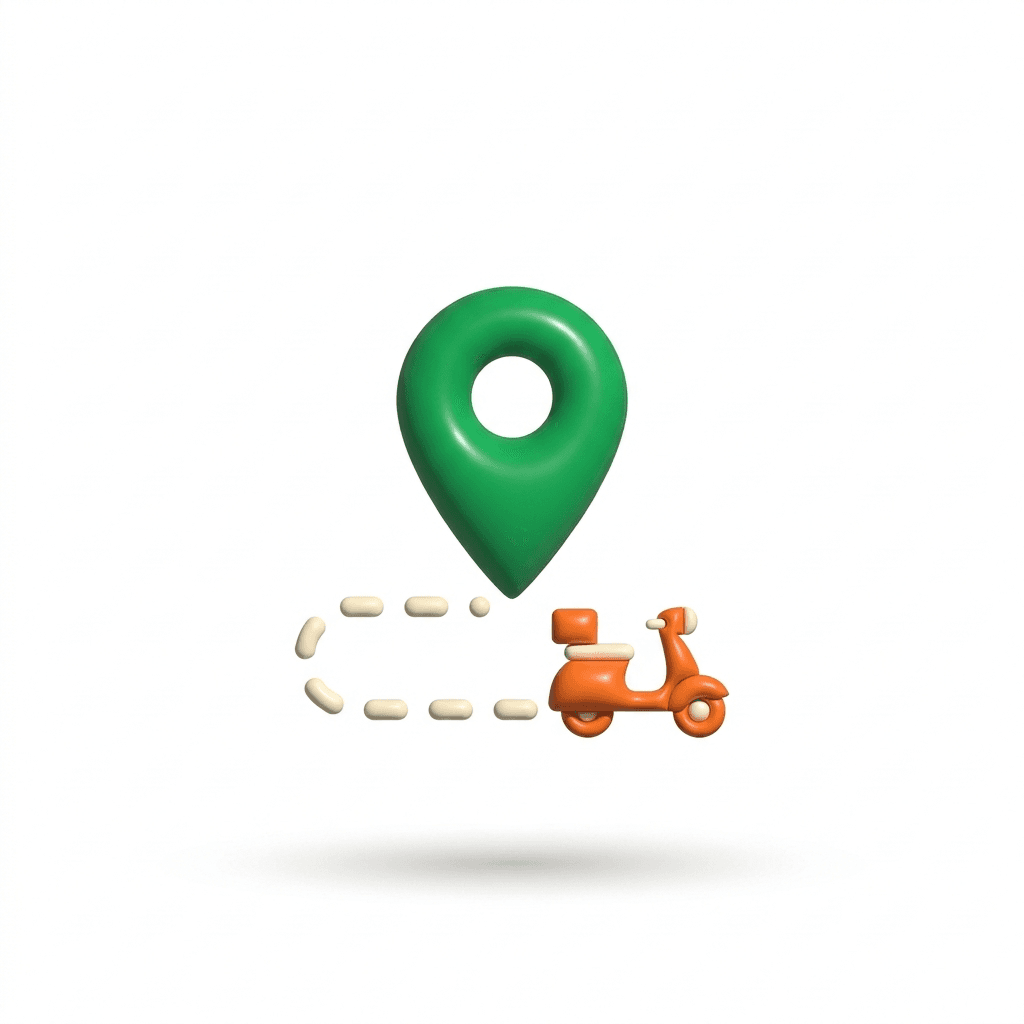
Watch the order move, stage by stage.
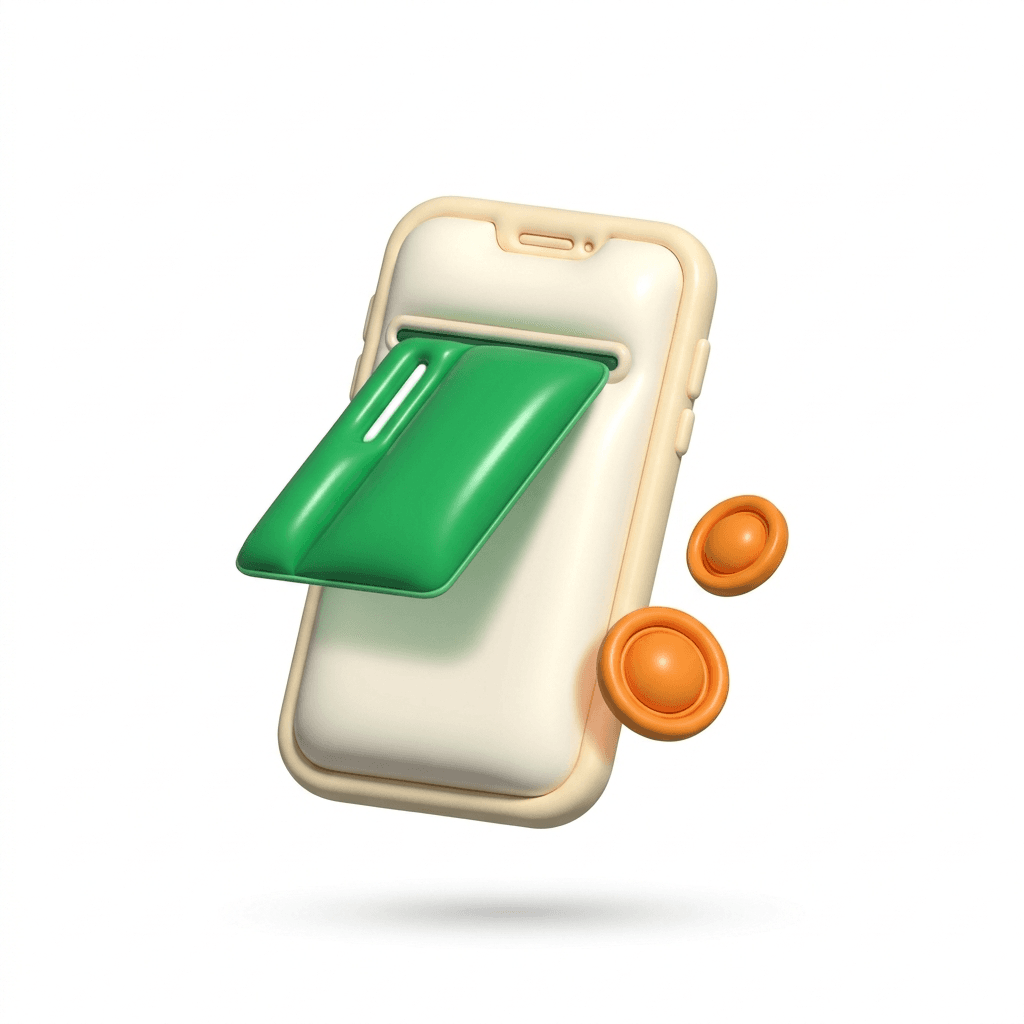
UPI, cards and wallets. Paid before it's cooked.
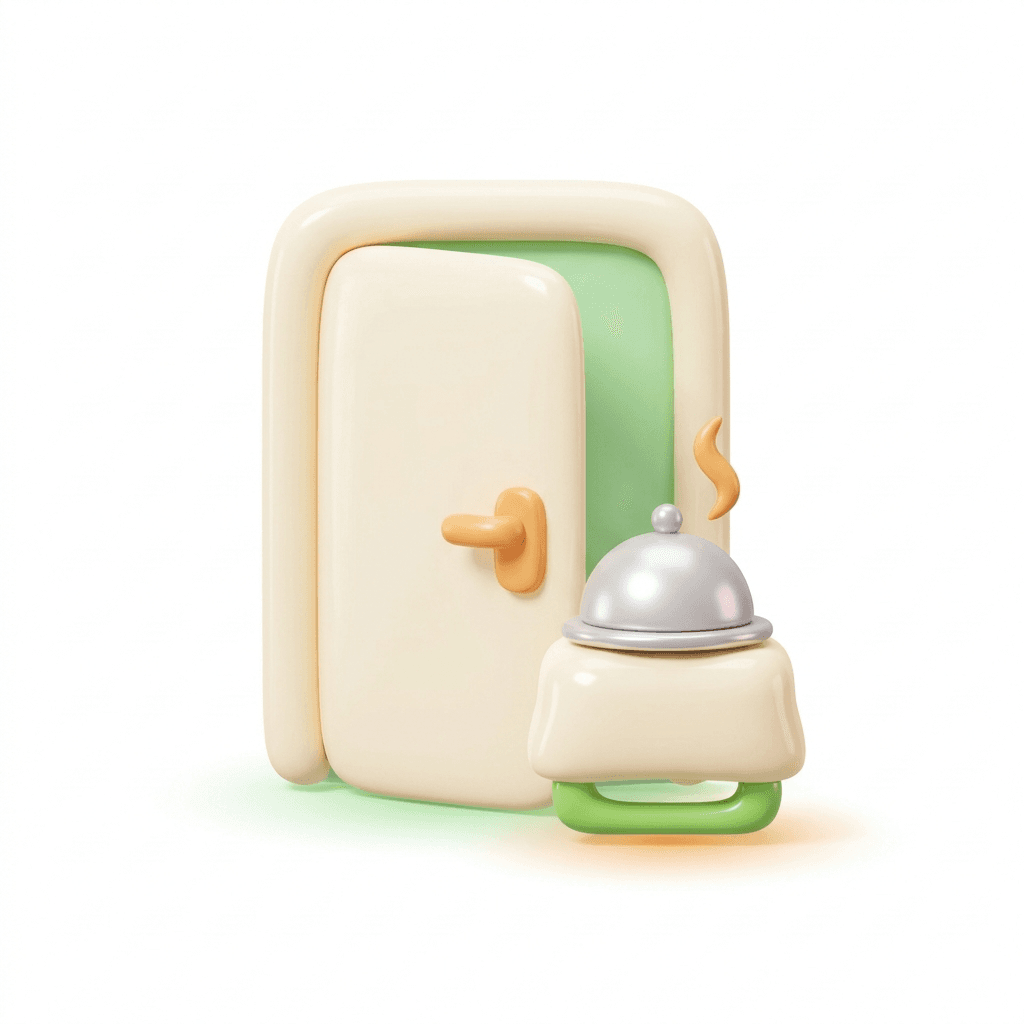
It comes to your room or your table, not a gate.
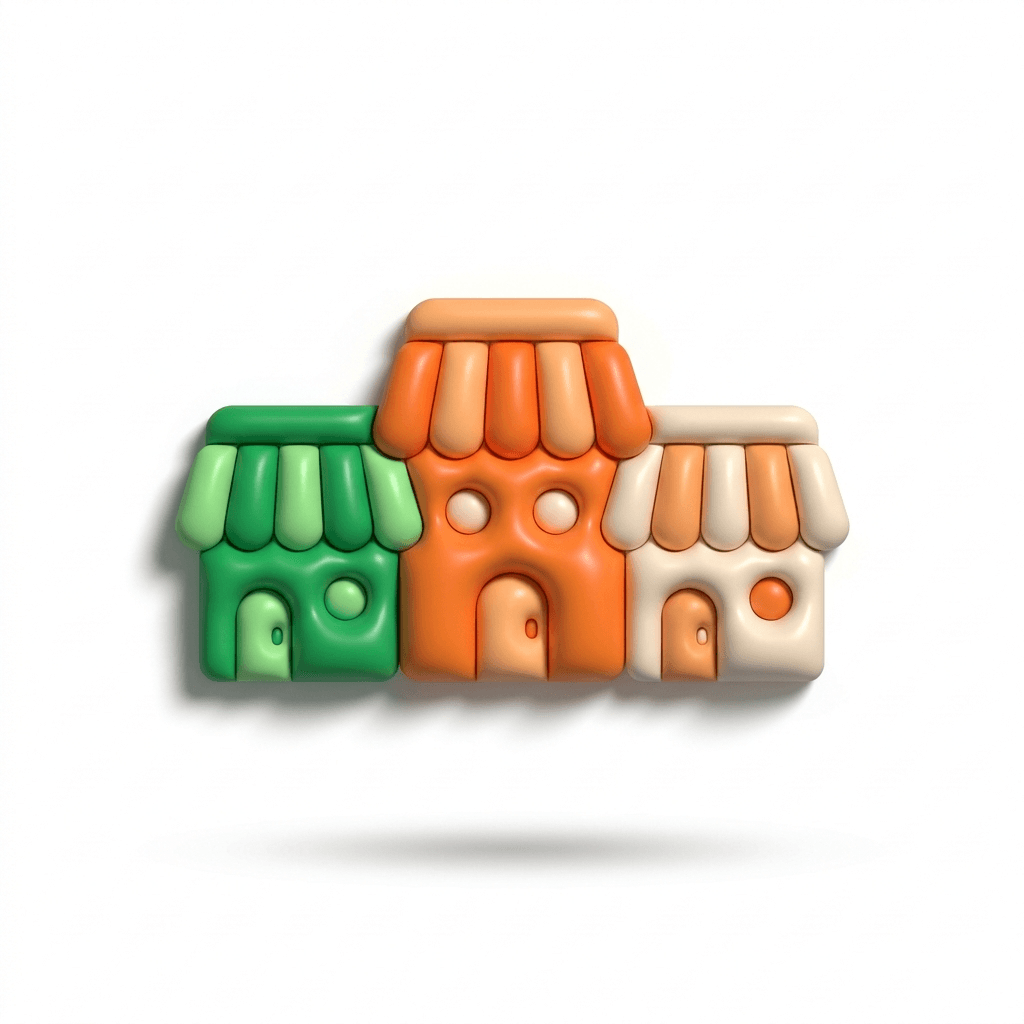
Browse partner kitchens, then one checkout.
Know where it is, the whole way
The bit between ordering and eating is the bit people actually worry about. So it's on screen, start to finish.
Every stage, as it happens
Placed, accepted, ready, on the way, delivered. The screen changes when the kitchen and the rider do, not on a timer.
A rider from the second it's ready
The moment the kitchen marks your food ready, a rider is assigned automatically. Nobody has to notice your order first.
Paid before it's cooked
UPI, cards and wallets, handled by a payment gateway. It's settled before the kitchen starts, so there's nothing to sort out at the door.
- Order placedPaid — nothing to settle at the door
- Kitchen acceptedA real kitchen picked it up
- Food readyA rider was assigned the moment it was
- On the wayMoving on the map above
- DeliveredHanded over at your door
Your usual, without the scrolling
Order once and the menu stops treating you like a stranger.
Reorder favourites
Everything you’ve ordered before sits at the top, priced and ready. One tap rebuilds the whole order — same dishes, same portions.
Suggestions, explained
ZOG reads what you’ve ordered before and which kitchens are open right now, and moves the likely dishes up the list. It shows you why it picked each one, and the full menu never goes anywhere.
No suggestion is ever a substitute for the menu — you can ignore every one of them and browse the whole thing.
Hungry now? Open the menu.
If you’re staying at a ZOG property, scan the code in your room. If you’re not, start here — it opens in this browser.
No app to install, no account to create — and no download to regret later.